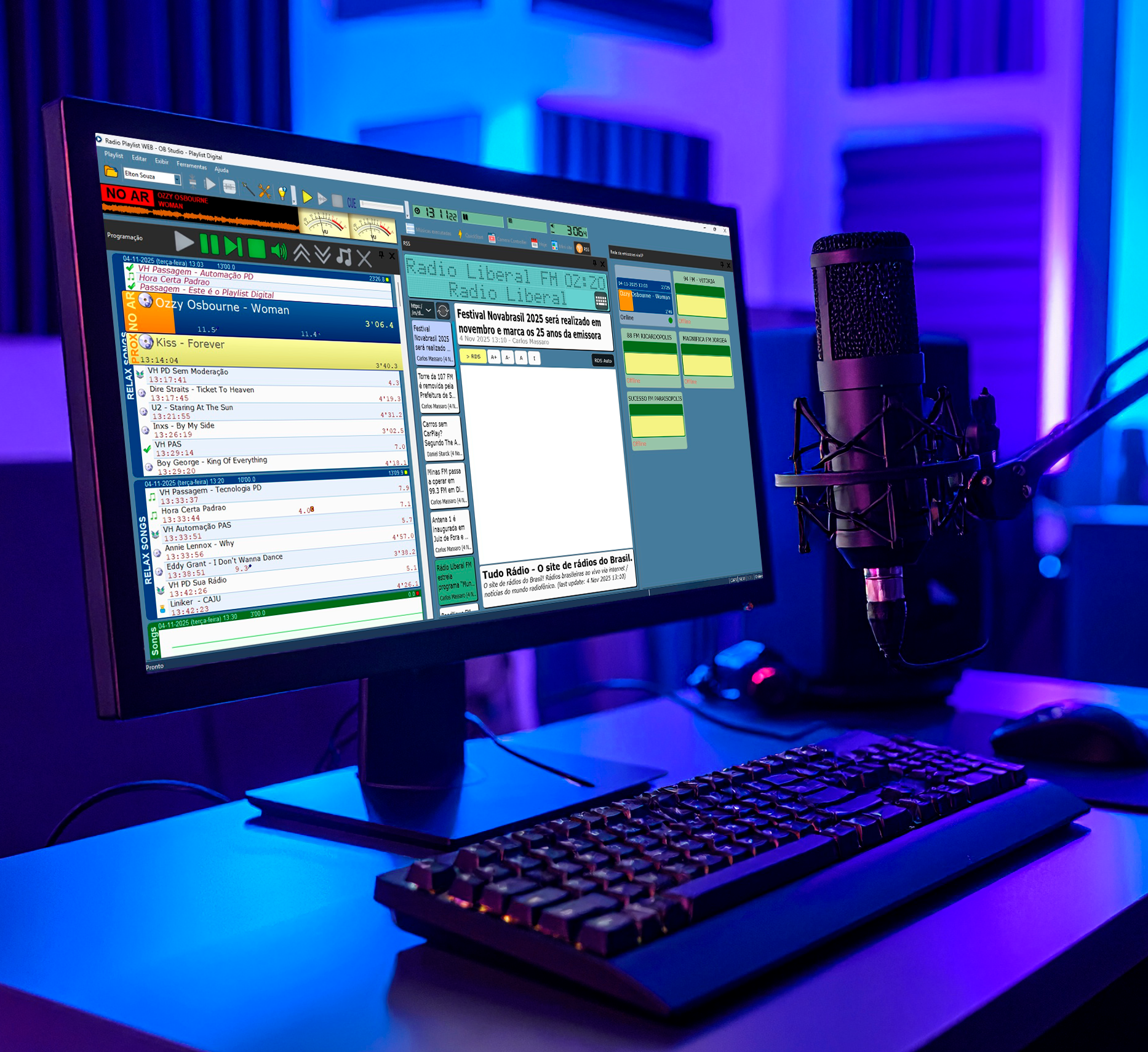
New Features and Improvements
1. Visual Adjustments
The display of icons across the interface has been improved, providing a more pleasant layout. This improvement contributes to a more comfortable user experience.
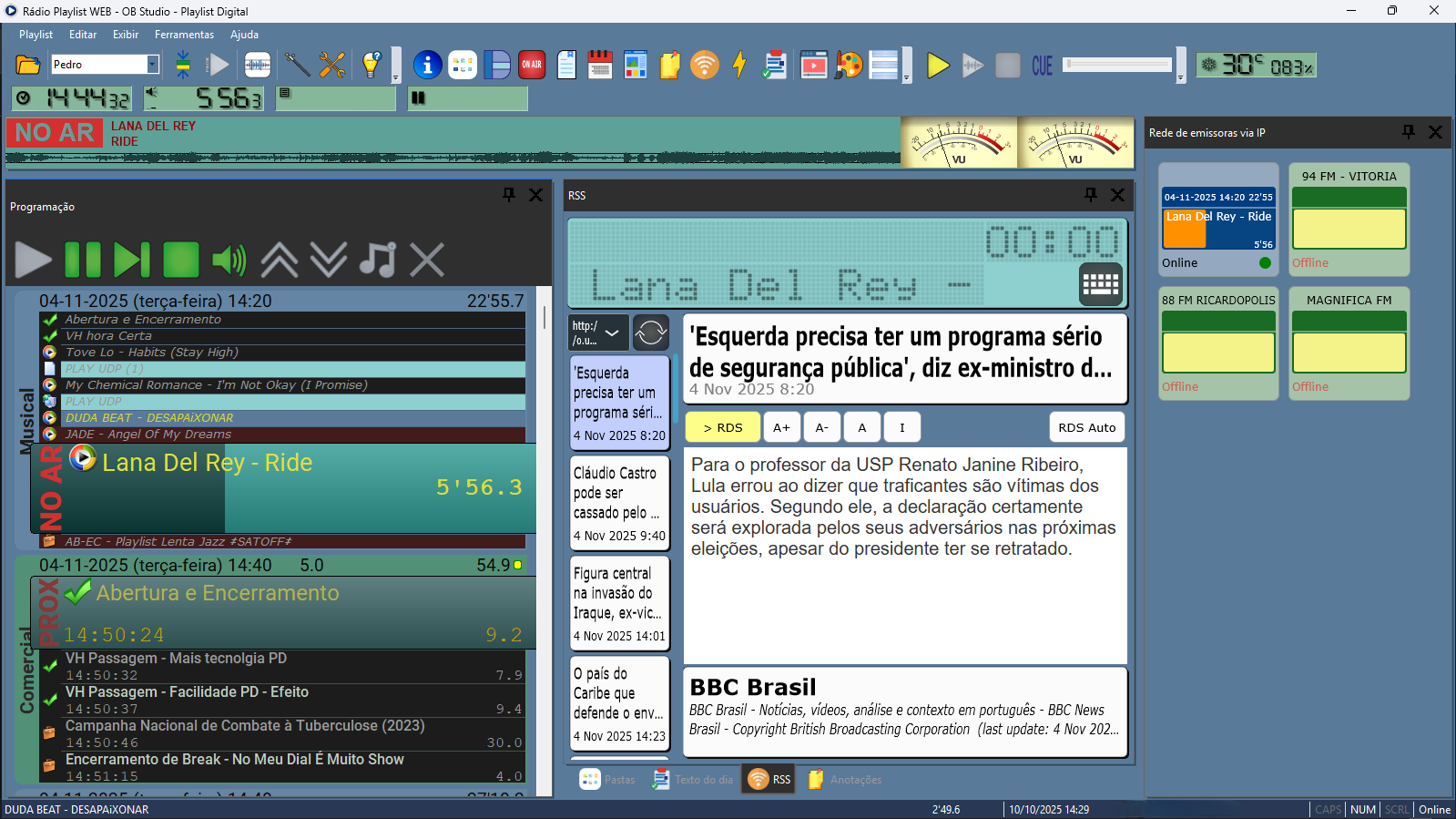
2 – More Flexible Quickstarts in Programming
In this version, Playlist Digital offers greater flexibility in the use of Quickstarts.
Now, any Quickstart button can be dragged directly into the programming panel, where it becomes an insert within music or commercial blocks.
It is also possible to create new Quickstarts from items already in the schedule by simply dragging the desired content to the corresponding panel.
This improvement reduces steps and streamlines recurring actions in the studio’s daily routine.
3 – Reading grids and maps in PXML format
In response to an operational need, Playlist Digital now allows music schedules and commercial maps to be read in XML3 (PXML) format. With this, the system enables:
- Importing schedules created in other software
- Greater interoperability, facilitating workflow between different production and scheduling platforms.
Playlist Digital is the only Brazilian software that offers full integration with all music and commercial programming software available on the market.
This new feature increases broadcasters’ operational flexibility, making the process of generating and executing programming more agile and integrated.
4 – Audio input via URL
This new version adds support for audio input via URL, in addition to the existing line-in audio input.
Users can now choose the most suitable option for their operation, whether direct audio or streaming. This feature is useful in scenarios such as broadcasting groups or the transmission of mandatory content.
5 – Streaming directly in the programming
Playlist Digital now allows the playback of various streams directly in the program.
Commands are created in ConfigManager, enabling programming in maps and grids in Maker or Commercial, or added by dragging them into the programming when necessary.
The links are organized in the Folders panel interface, under Streaming URL, making them easy to identify and use during operation.
6 – IP Network Panel
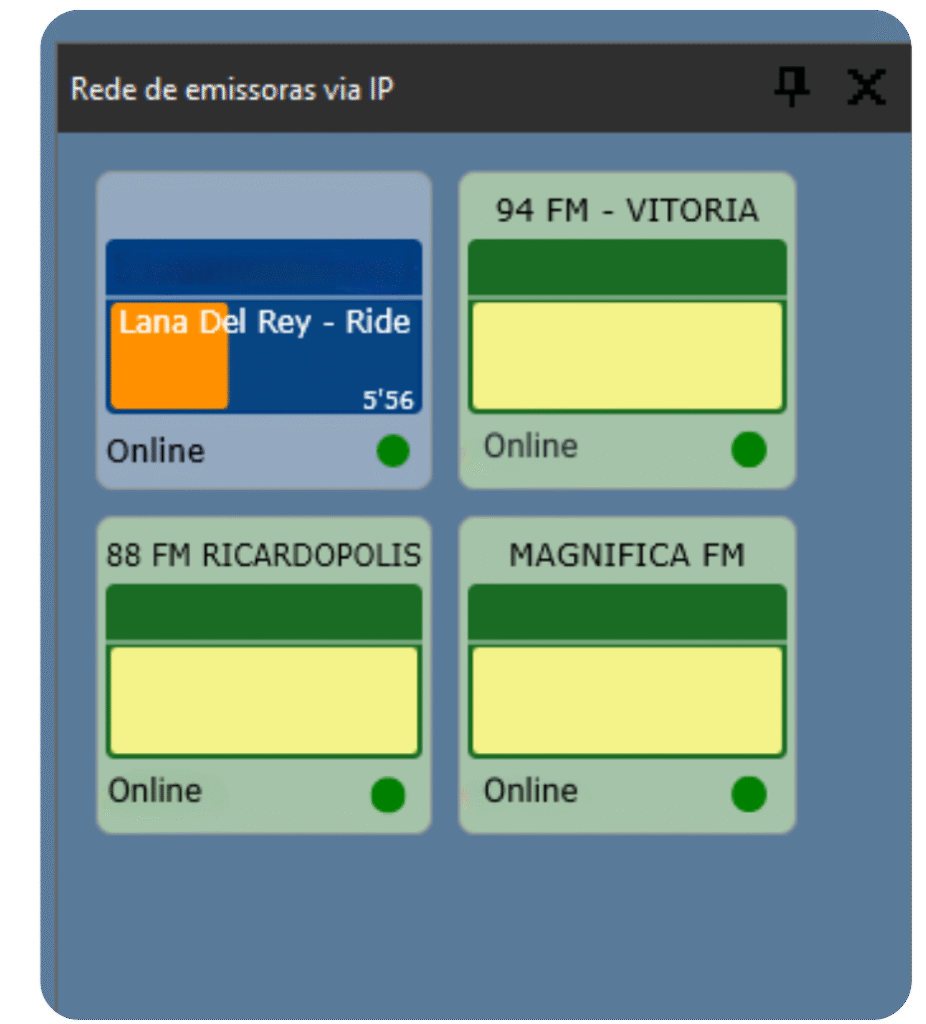
The IP Network Panel allows you to monitor media playback on affiliated stations in real time.
Support for UDP JSON triggering has also been added, allowing for more complex commands.
This feature provides greater visibility into network operations and ensures flexibility in remote transmission management.
7 – RDS synchronization via UDP
Playlist Digital now automatically sends RDS commands via UDP, allowing broadcasters to inform others of the exact point in the program that is being played.
This way, the status between the network hub and affiliates is synchronized in real time, ensuring greater accuracy and alignment in transmission.
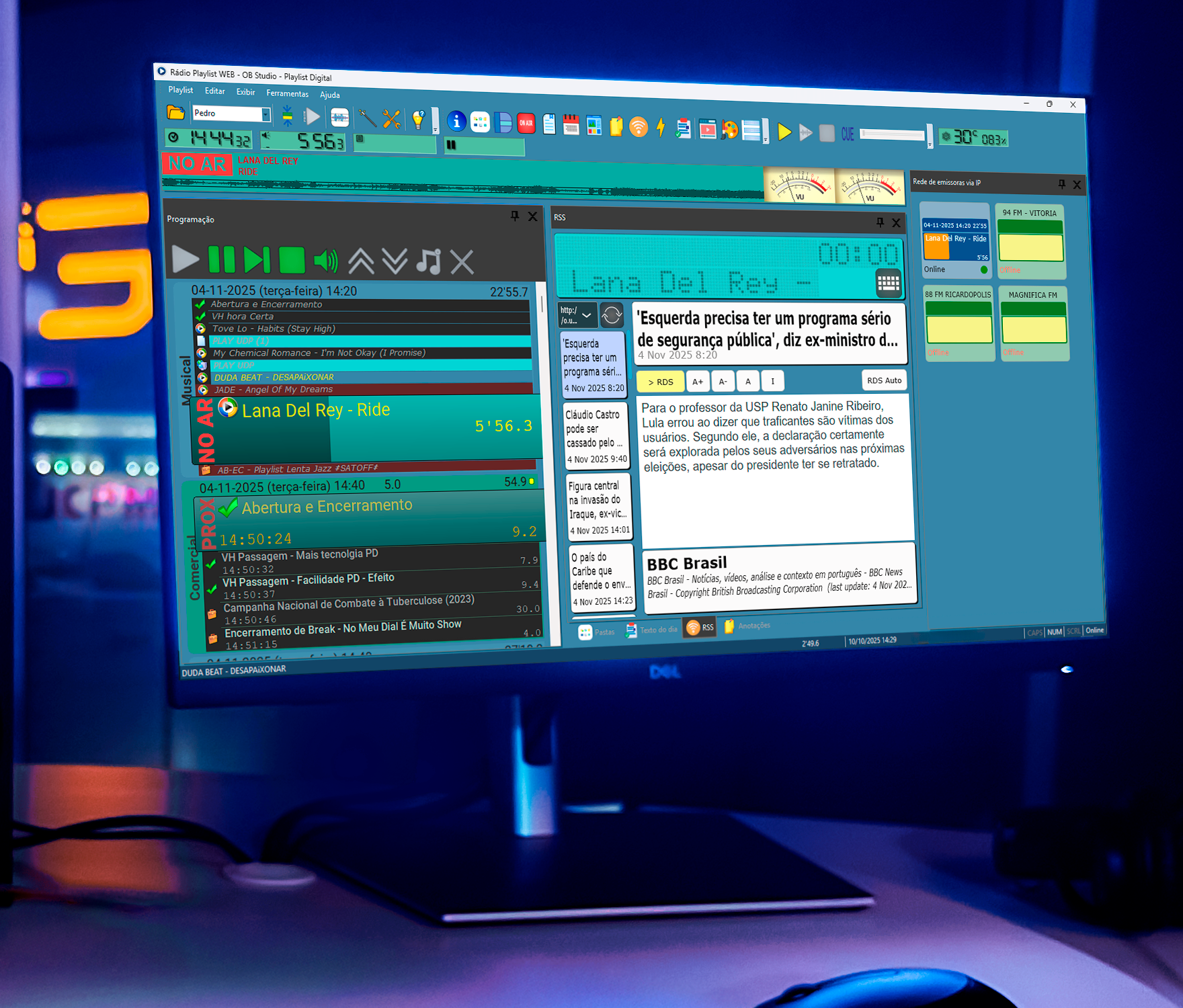
Why update to Playlist Digital 5.0.9.02?
The improvements in this version reflect practical market demands and adjustments necessary to ensure continuity, stability, and efficiency in the operation of broadcasters using Playlist Digital.
Customers with an active PAS Playlist subscription are entitled to this update. Simply access the Customer Area at playlistsolutions.com, log in, and download the “Playlist Digital 5.0.9.02” installer.
Playlist Software Solutions continues to follow the evolution of radio and make constant updates to meet the real needs of everyday broadcasting.
Next: How to check if your Playlist is up to date
Keeping Playlist Digital up to date is essential to ensure stability, performance, and access to the latest system improvements. In this article, we show you why updates are important, how to check the installed version, and step-by-step instructions for updating the software safely.