
World Radio Day 2026: Radio and Artificial Intelligence
Celebrated on February 13, World Radio Day 2026 highlights the theme “Radio and Artificial Intelligence” and underscores how AI can serve as a strategic ally to broadcasting, with ethics, responsibility, and innovation.
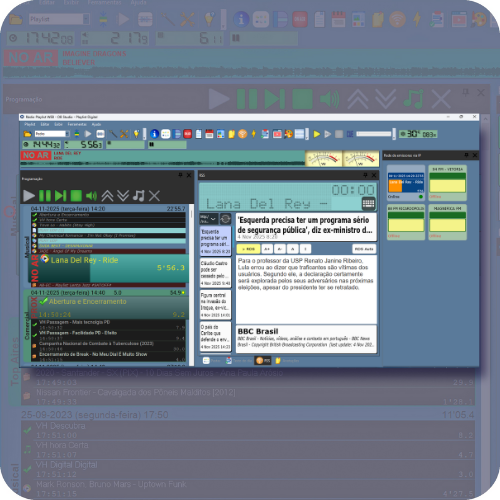
Playlist Digital 5.0.9.02: Improvements in Integration, Networking, and Usability
Playlist Software Solutions has released a new update for Playlist Digital, bringing improvements focused on the daily operations of broadcasters, usability adjustments, and new features to meet practical market demands.
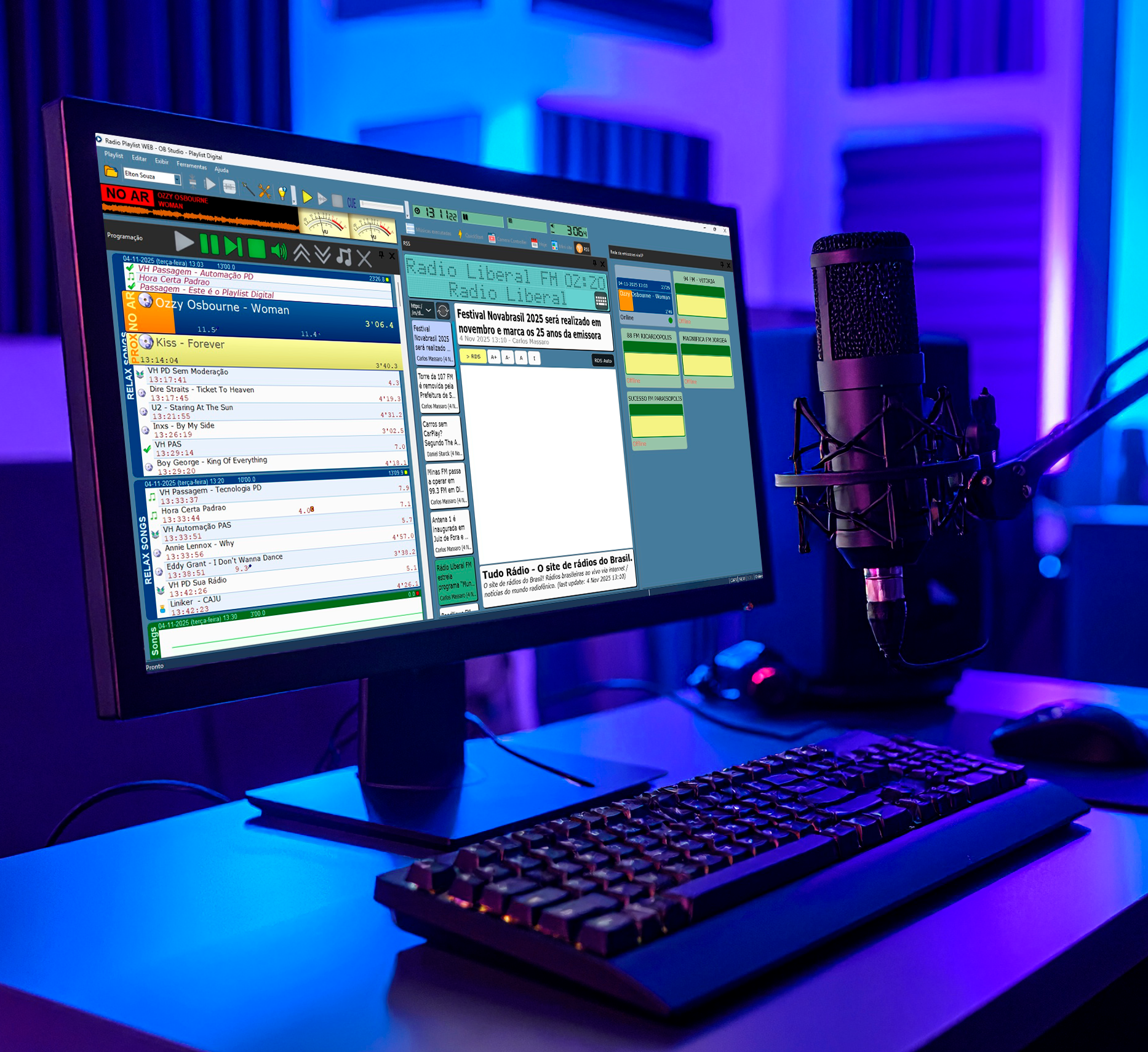
Keep Your Playlist Digital Updated
Keeping Playlist Digital up to date is essential to ensure stability, performance, and access to the latest system improvements. In this article, we show you why updates are important, how to check the installed version, and step-by-step instructions for updating the software safely.
2025: An Year of Evolution, Inovation and Ongoing Suppor for Radio
In 2025, Playlist Software Solutions advanced in technological innovation without losing the essence of radio. With the evolution of its software, new cloud platforms, and focus on people, the company reinforced its commitment to accompany broadcasters as a strategic partner in building the future of radio.
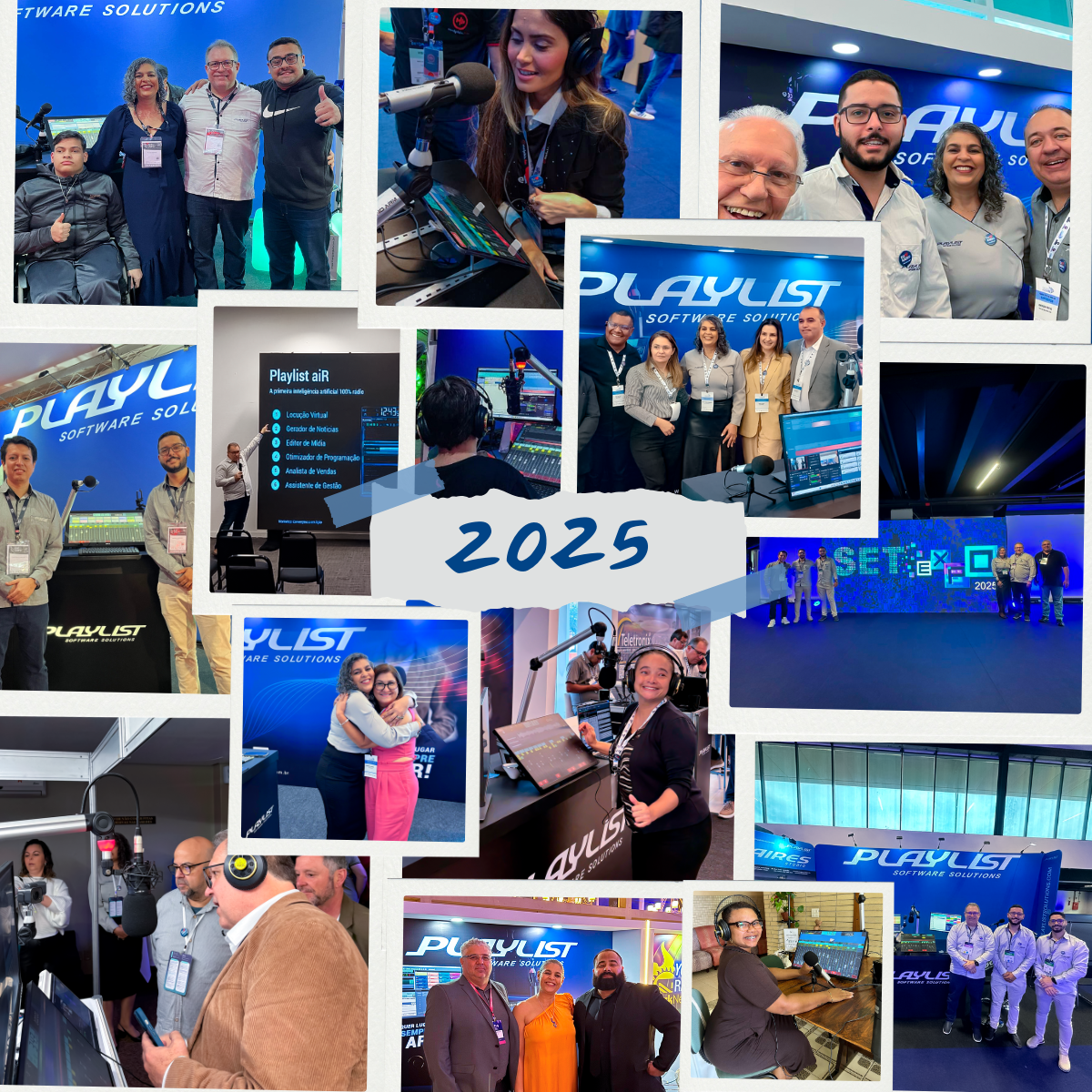
2025 Retrospective – Playlist Software Solutions
2025 was a year of major shifts, memorable encounters, and achievements that reinforce Playlist’s mission: to boost radio with accessible technology, real integration, and proximity to those who communicate every day.
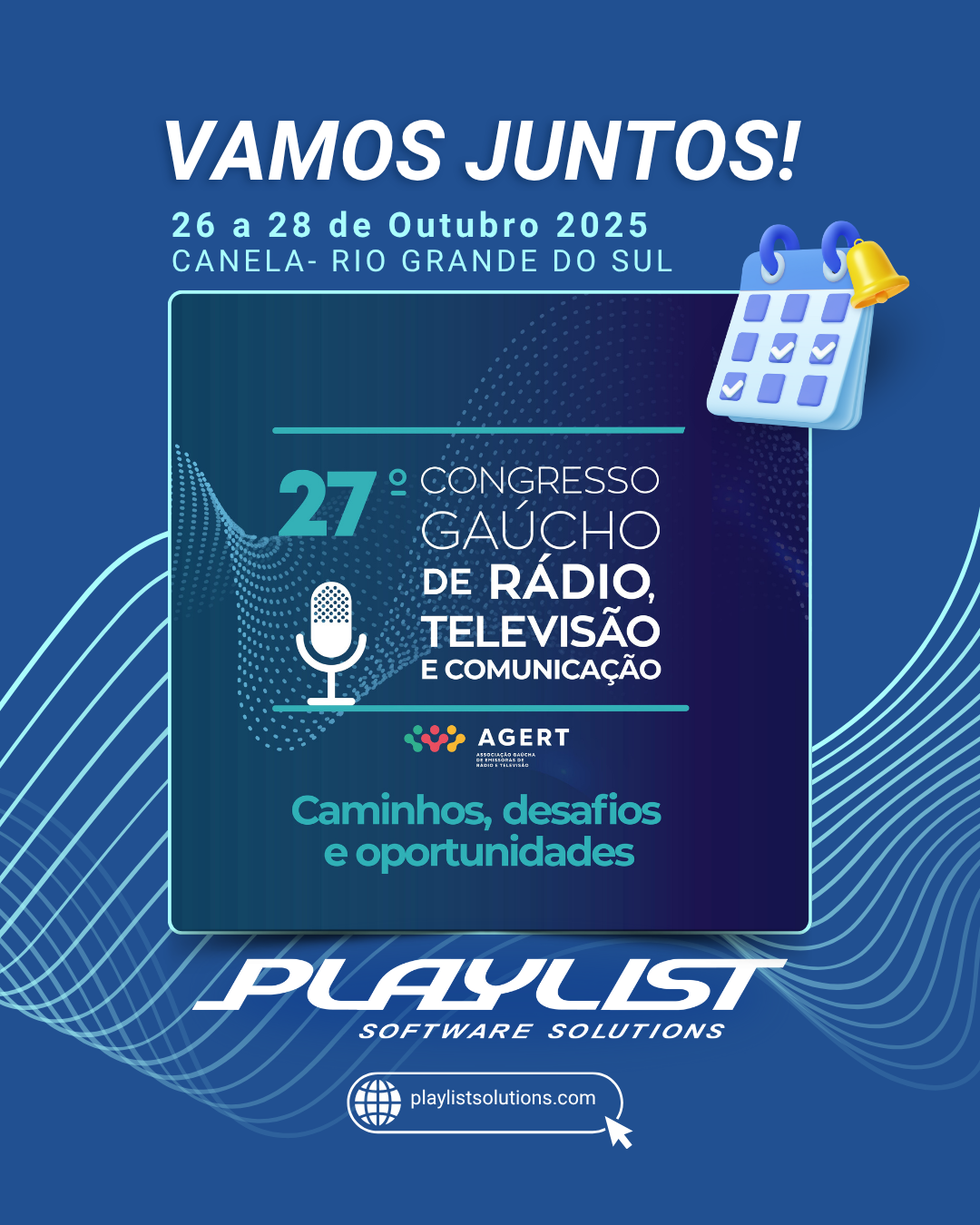
Playlist at the 27th Gaucho Radio, Television, and Communication Congress
Playlist Software Solutions will be at the 27th Gaucho Radio, Television, and Communication Congress in Canela (RS), demonstrating how technology and simplicity can connect studios, audiences, and businesses. At the booth, visitors will be able to learn more about solutions such as Playlist Digital, Aires Codec, Planner, and Audie, as well as receive technical guidance for migration and integration with video and streaming. It is an opportunity to experience, in practice, the innovation that is transforming radio.