
Listening to and Saving Recordings in Logger 2.0
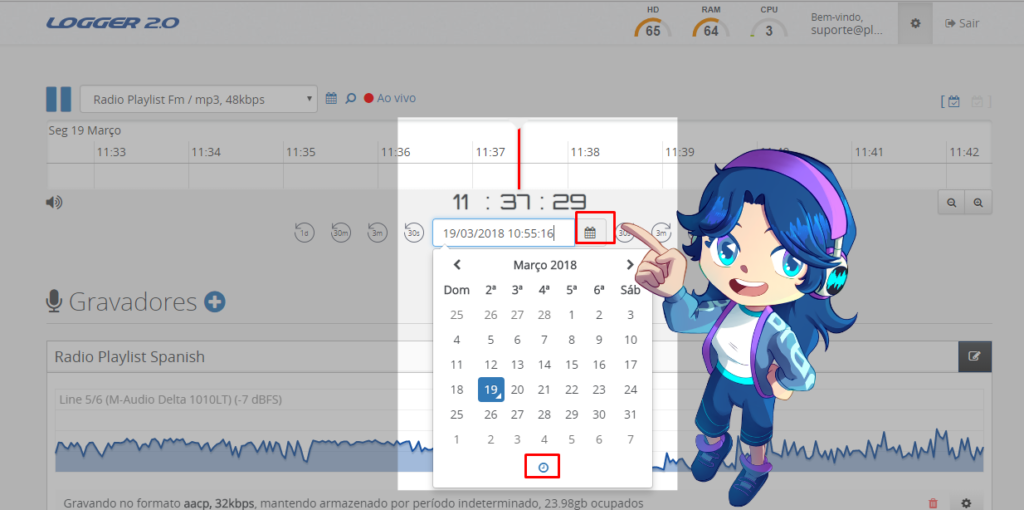
Learn how to save recordings in Logger 2.0, listen to live broadcasts, and access old audio files quickly, conveniently, and securely.
What is Ducking and how to use it in Aires Studio
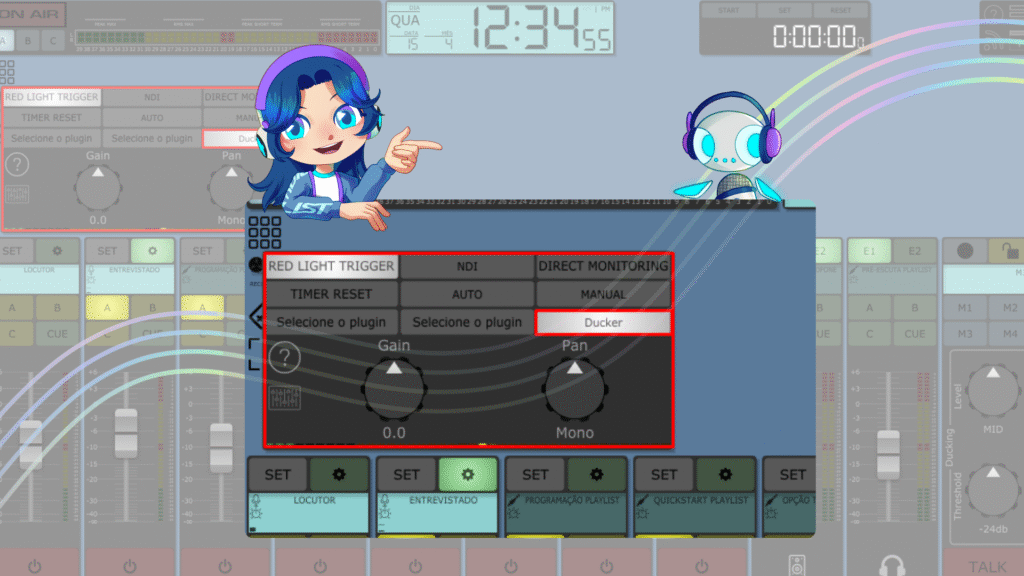
Learn how the Ducking effect automatically balances voiceover and background music, ensuring greater clarity, dynamism, and professionalism in audio broadcasts.
Keep Your Playlist Digital Updated
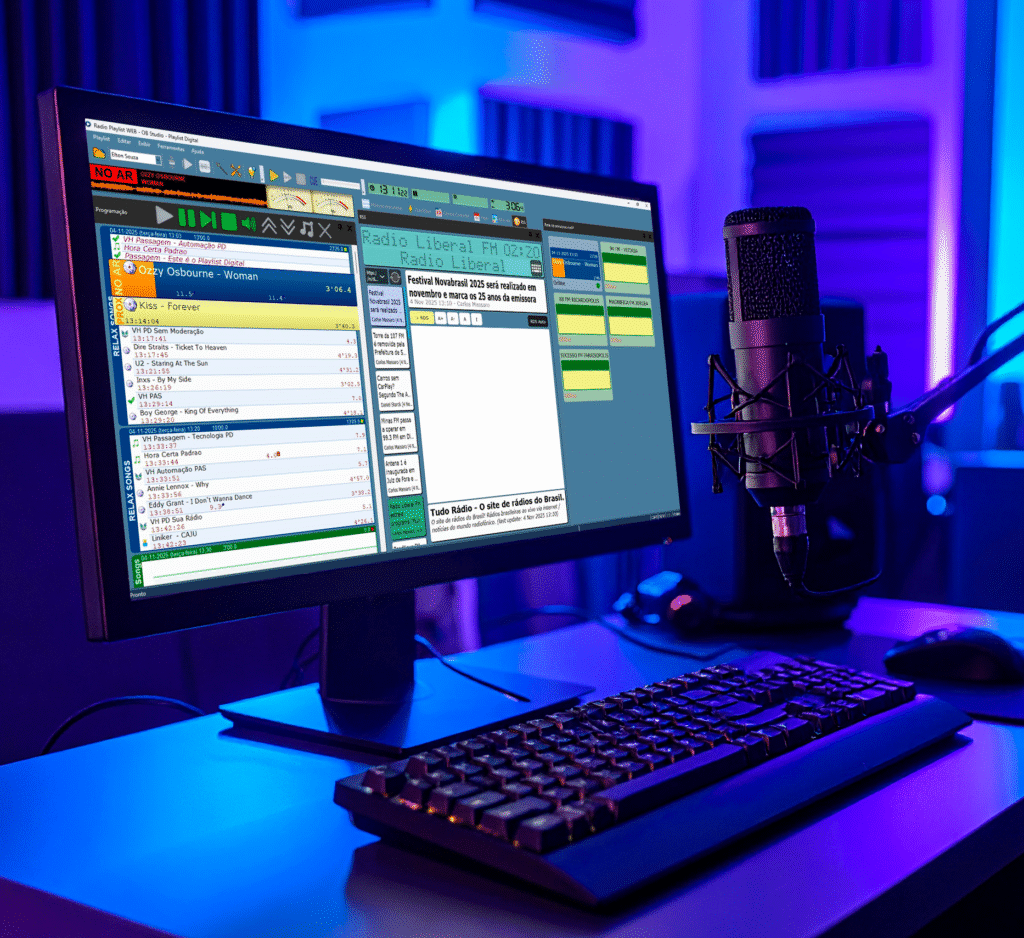
Keeping Playlist Digital up to date is essential to ensure stability, performance, and access to the latest system improvements. In this article, we show you why updates are important, how to check the installed version, and step-by-step instructions for updating the software safely.
MIX MINUS: Understand this essential feature in Aires Studio
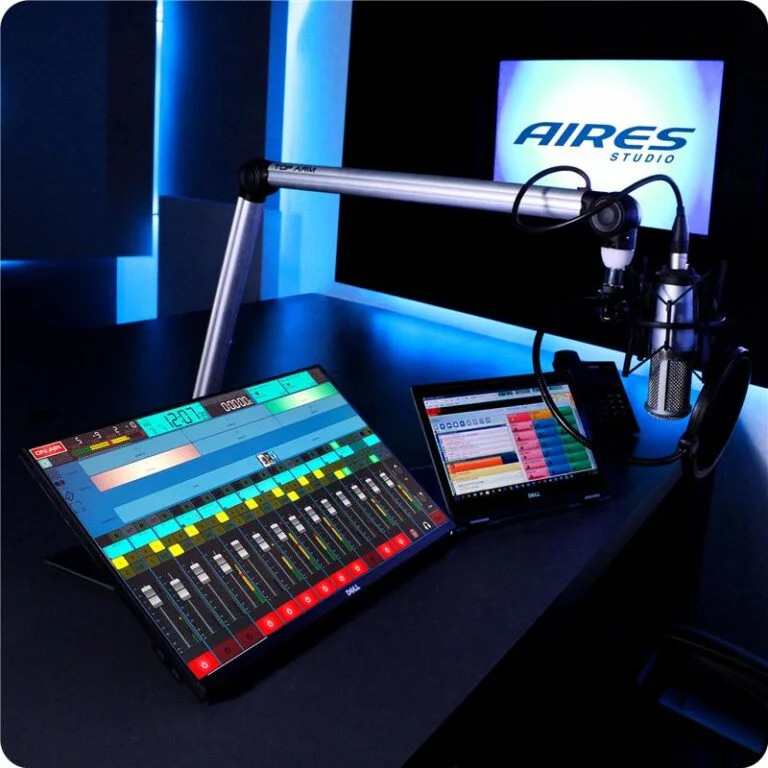
Find out how Mix Minus optimizes your broadcasts and prevents echoes during external participation. In Aires Studio, this feature is configured automatically, ensuring clean, interference-free audio feedback on VOIP or Skype calls. Learn how to apply Mix Minus in practice, both on the software’s virtual console and on external sound tables, and raise your station’s technical standards with clearer, more professional communication.
Optimization of your radio station’s main computer
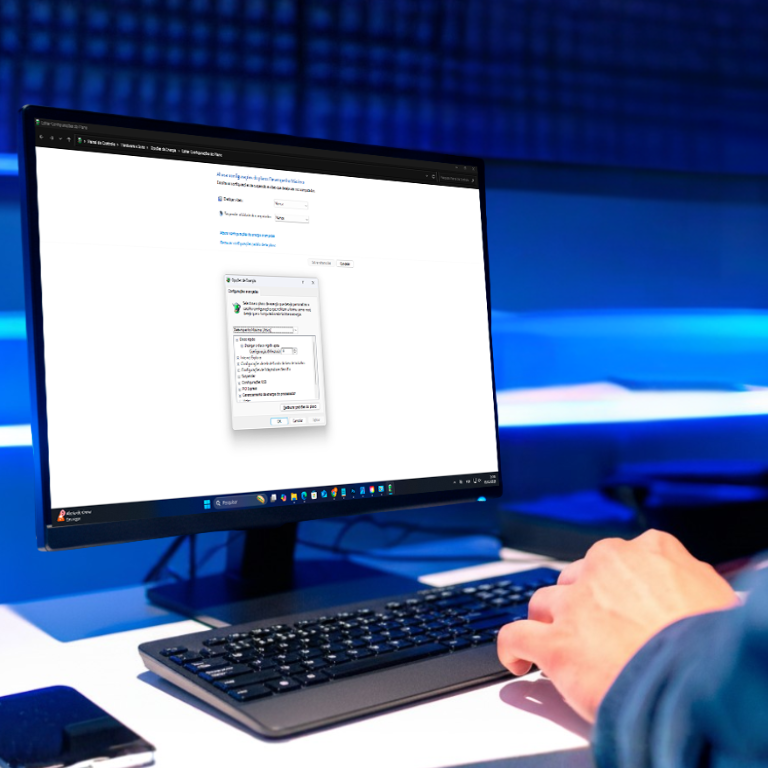
The studio’s main computer is the heart of the station, and its configuration makes all the difference on air. In this guide, you will learn how to optimize Windows and BIOS power options to ensure maximum performance, stability, and quality in your broadcasts.
What to consider when choosing a new PC
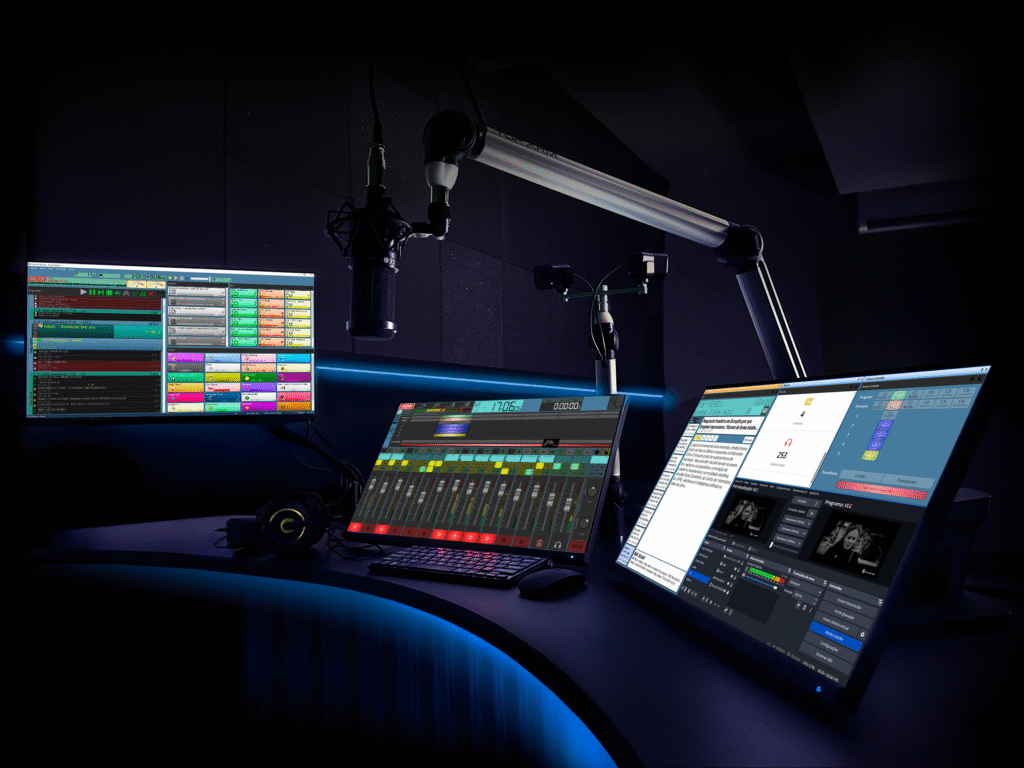
Learn what to consider when choosing the ideal computer for Playlist Solutions software. Understand how the operating system, hardware, and connection influence the performance and stability of your operations.
Practical tips for choosing the ideal computer and taking full advantage of your automation, recording, and broadcasting potential with stability and professional quality.
How to Manage Your Recordings with Logger 2.0

Logger 2.0 is the professional recording solution. It centralizes continuous audio streams and one-off event recordings, allows highlight marking, automated archiving, and system monitoring through a web interface or mobile app. Ideal for broadcasters requiring compliance, immediate backups, and fast clip retrieval.